Collect a response
This guide shows the respondent's experience — what someone sees and does when they open your survey from a shared link, all the way through to submitting. No account is needed; the survey is public and anonymous.
1 Open the survey
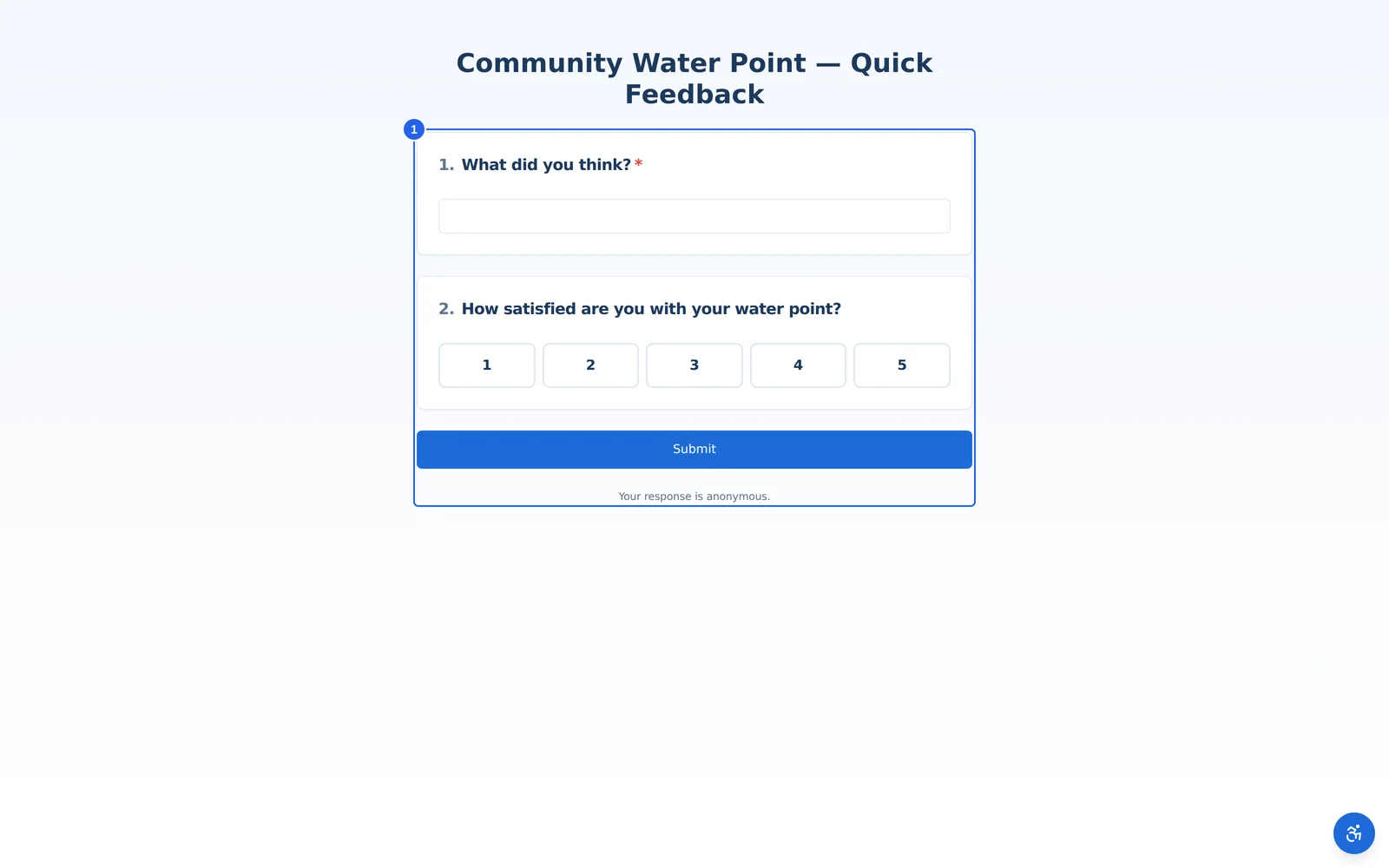
A respondent who follows your public link lands directly on the survey — no sign-in, no app to install. The survey title and questions load on a single, mobile-friendly page.
2 Answer the questions
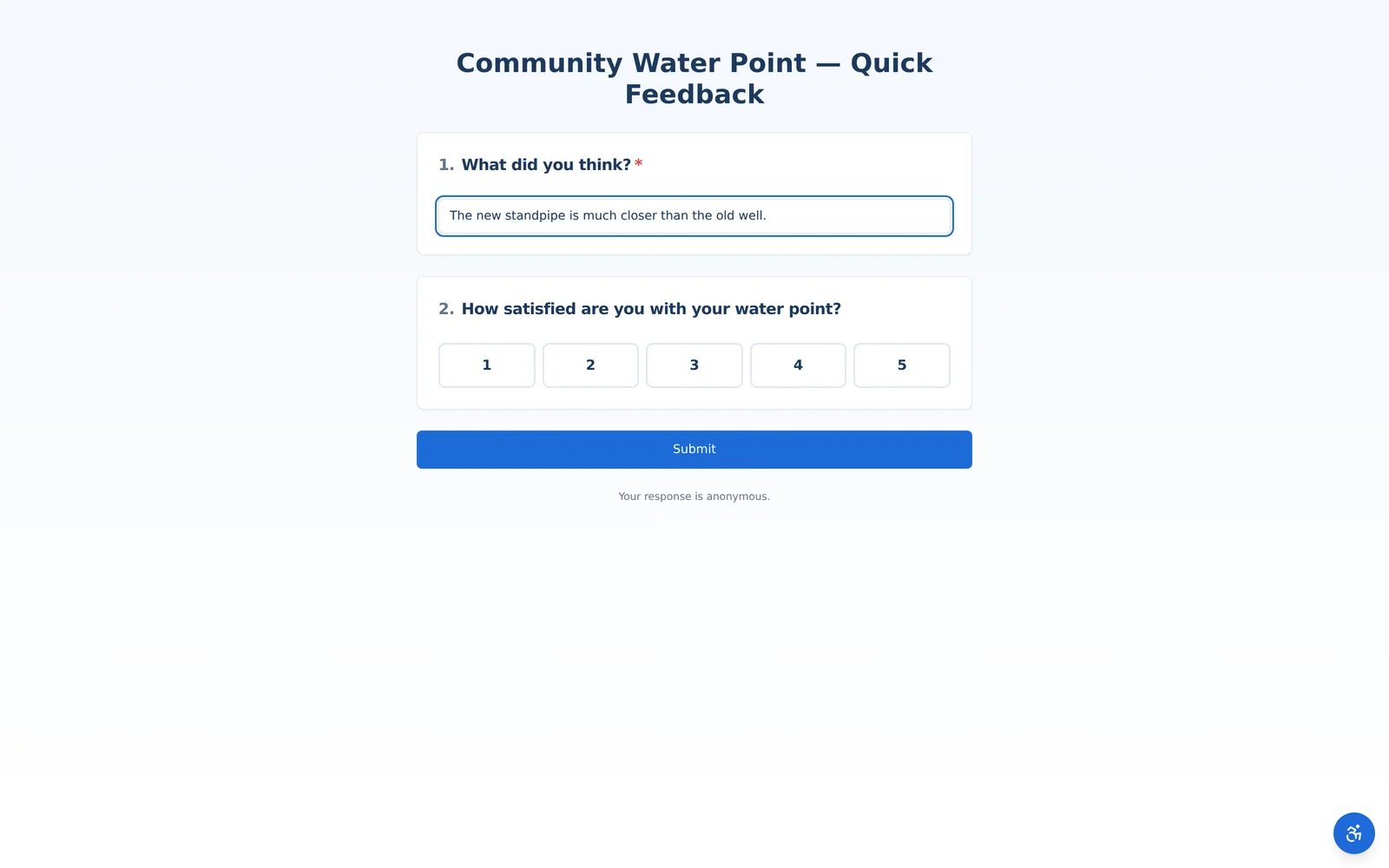
Respondents type free-text answers, pick options, and complete any other question types. Required questions are marked, and conditional logic shows or hides follow-ups based on earlier answers.
3 Rate and score
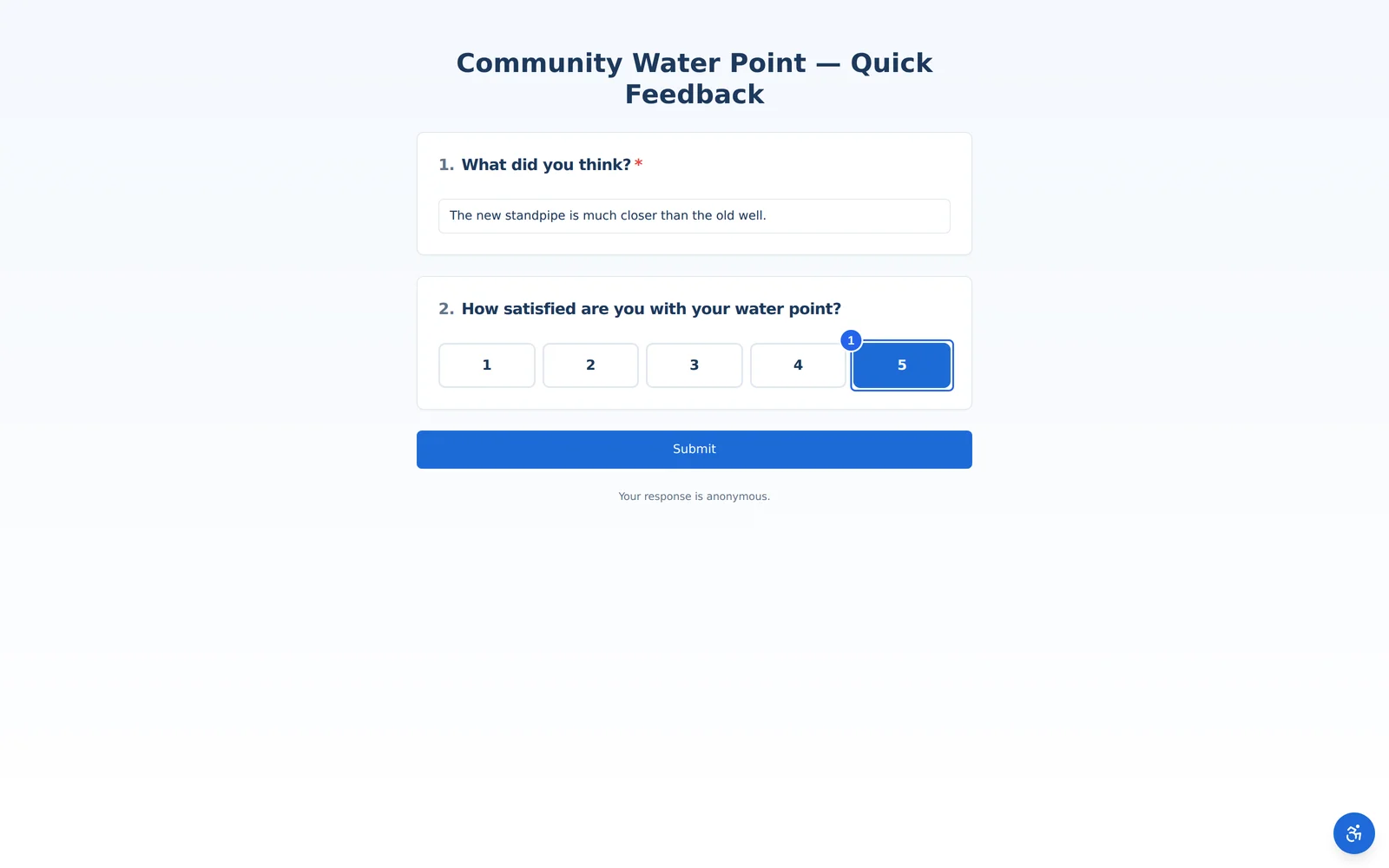
Rating and scale questions render as simple tappable buttons — quick to complete on a phone in the field. Here the respondent selects their satisfaction score.
4 Submit and confirm
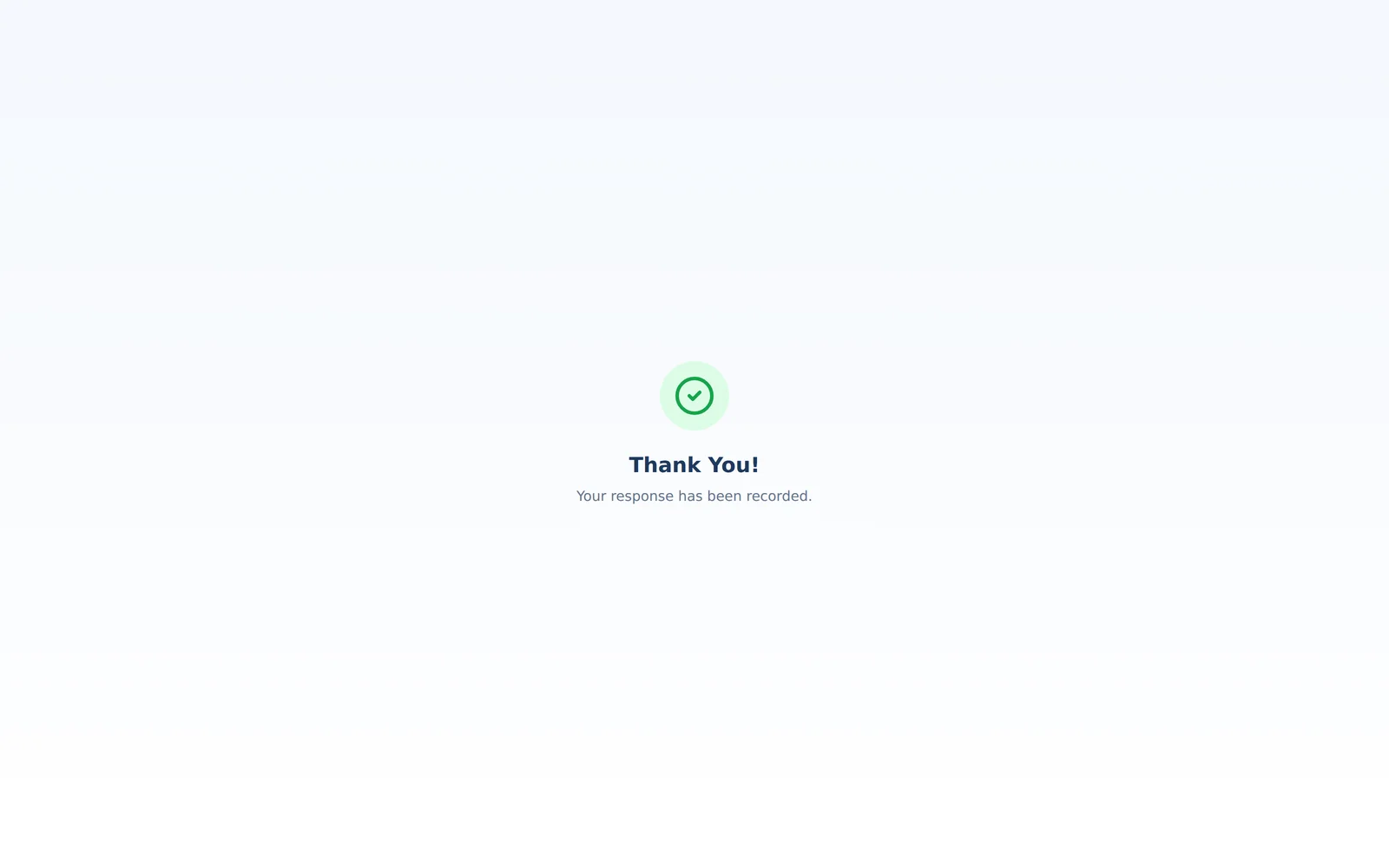
When the respondent submits, their answers are recorded instantly and they see a thank-you confirmation. The response appears in your analytics in real time.